

Bizwachat — what shipped in September 2026
Customer satisfaction ratings, approved-only WhatsApp campaigns and lead search improvements shipped in Bizwachat in September 2026.
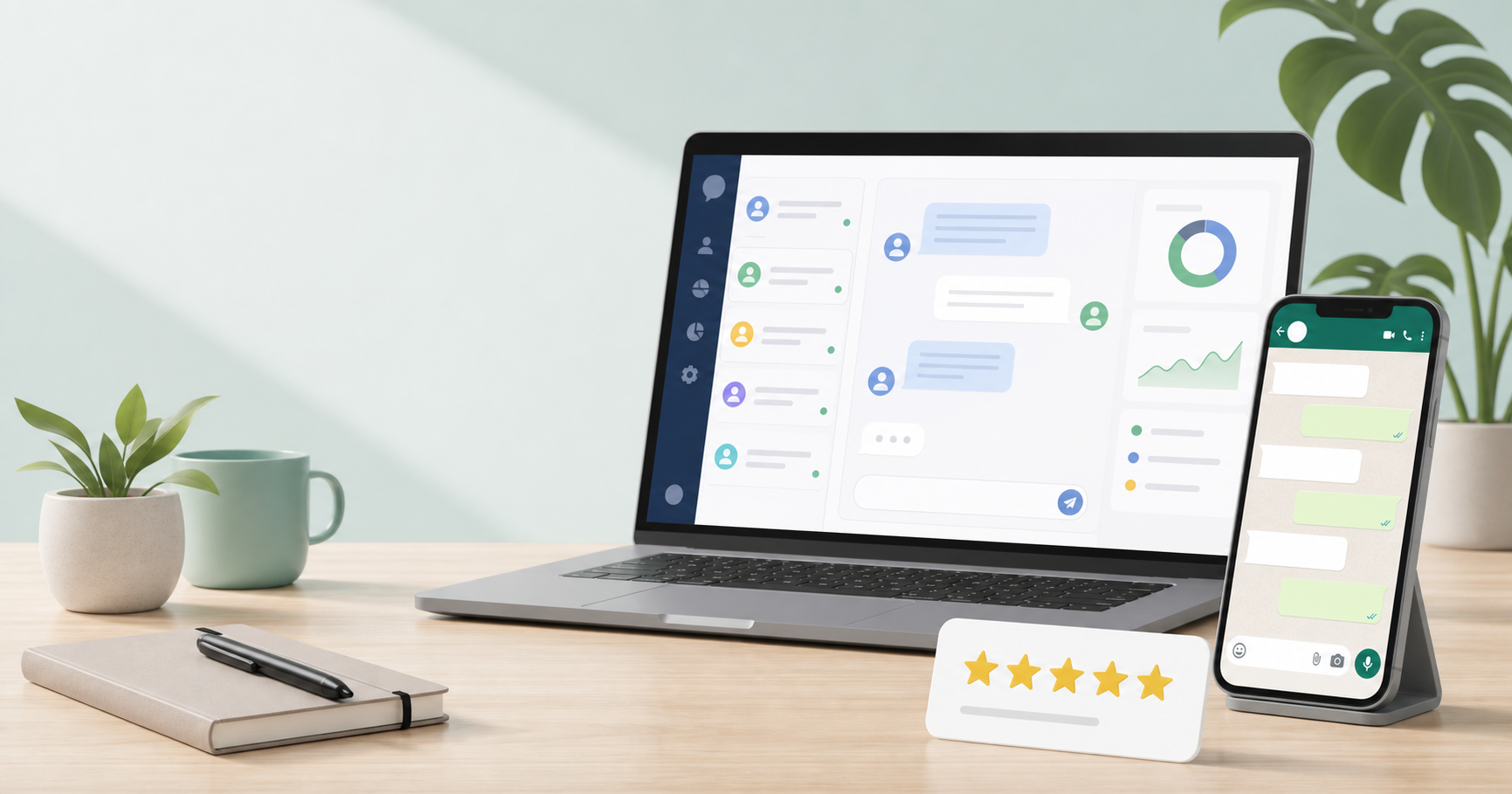
September 2026 was about helping you reach the right customers, hear back from them, and keep every campaign running smoothly. Customers can now rate your service after each resolved chat. Campaigns can use the details you track for each contact. WhatsApp campaigns only offer messages that are ready to send. And finding a lead takes seconds, not minutes.
Here is what changed and how each update helps your business.
Key features released
Ask your customers how they felt, and see the answers in one place
Customer satisfaction surveys let you hear from your WhatsApp customers as soon as a conversation is resolved. You write the question, the label under each rating and the thank-you message, so every request sounds like your business and not a generic form.
- Choose your scale. Pick a 3-star or 5-star rating, and add an optional review link for customers who rate you highly.
- Pause and restart any time. Switch surveys off to stop new requests. Your questions and messages are kept, so switching back on takes seconds.
- Every rating is saved and thanked. Each rating stays with the conversation it came from, and the customer gets a thank-you message straight away.
- See it all in one report. Filter by date, rating, team member or channel, read each response, and check your average rating and overall score together.
- Know when a request cannot be sent. WhatsApp only allows this message within 24 hours of a customer's last message. If a chat is closed after that window, you see a warning before the request is missed.
- Settings in your language. The satisfaction settings page is available in Bengali, Chinese, Australian English, French, Hindi and Arabic.
Personalise campaign messages with your own contact details
Campaign messages can now include the extra details you track for each contact, such as their plan, city or account type. Before, a message could only use standard details like name and email, so the things that made a message relevant had to be left out.
Each person receives their own value. One campaign can reach hundreds of people, and every message greets each customer with the detail that matters to them.
Send WhatsApp campaigns with only approved messages
When you set up a WhatsApp campaign, the message list now shows only the messages WhatsApp has approved. Messages that are still waiting for approval, were rejected or are paused are hidden, because they could not reach your customers anyway.
Every message in the list is ready to send, so you spend less time troubleshooting a campaign that was never going to deliver. If none of your messages are approved yet, the setup screen tells you to sync your templates first.
Upload campaign lists with the column names you already use
If your campaign list uses the same column names as your contact import, such as Mobile, Email Address or First Name, it now works without any changes. Before, a list had to use exact column names, and customers who were ready to receive a campaign could be left out without you noticing.
Lists from your contact import now work in campaigns straight away, so there is no need to rename columns first. The count you see before you send matches the people who actually receive the message.
Campaign uploads keep the details you already have saved
Uploading a file to a campaign no longer changes the details you have saved for your contacts. Before, a person already in your contacts could have their saved details replaced by whatever was in the uploaded file. Now their details stay as they are, and the file is used only to send this campaign to them.
New people in the file are saved with every detail the file includes, such as name, email, company and city.
Find any lead in seconds, and keep building your list
Type a name or phone number and your lead list narrows as you type, so you no longer scroll page by page to find someone. Your search stays in place when you move to the next page, so you can work through every match without starting again. If nothing matches, you are told straight away.
Searching for new leads works again too. Searches now run as normal. If your Google Places connection is not set up yet, you see a clear message explaining the next step.
Read your inbox chats in a familiar WhatsApp style
Inbox conversations now look like the WhatsApp chats your team already uses. Each message sits in a speech bubble on a chat background that works in light and dark mode, so it is easy to see which messages came from your customer and which came from your team.
A slimmer scrollbar leaves more room for the conversation itself, which makes long chats quicker to follow.
Campaign reports name the detail that is missing
If a contact is missing a detail that a WhatsApp message needs, the campaign report now tells you which one. Before, the report showed a vague error from WhatsApp, which made it hard to know what to fix. Now it names the empty detail for each person affected, so you can add it and send the campaign again.
Scheduled social posts keep the time you picked
When you change the date or time of a scheduled social post, the new time now stays as you set it. Before, the time in your Posts list could shift by several hours after an edit, depending on your timezone. The time you save is now the time you see.
What this means for your team
Together, these updates help you run better campaigns and close the loop with customers. You can plan a campaign knowing every message is approved, personalise it with the details you already track, and check the audience count before it goes out. After a conversation ends, you can ask for feedback and see the results in one place.
Frequently asked questions
Do customers see the rating request as soon as I resolve a chat? Yes, if surveys are switched on. The request is sent when the conversation is resolved, provided the customer's last message is within the last 24 hours. If it is not, you see a warning.
Do I need to change my contact file to use it in a campaign? No. Lists that use the same column names as your contact import now work straight away. Existing contact details are kept when you upload a campaign file.
Can I stop customer satisfaction surveys without losing my setup? Yes. Switch surveys off to pause new requests. Your questions, labels and messages stay saved for when you switch them back on.