

GetBizApps — what shipped in September 2026
Monthly attendance register, one-step customer and login setup, and cleaner invoices and purchases in GetBizApps in September 2026.
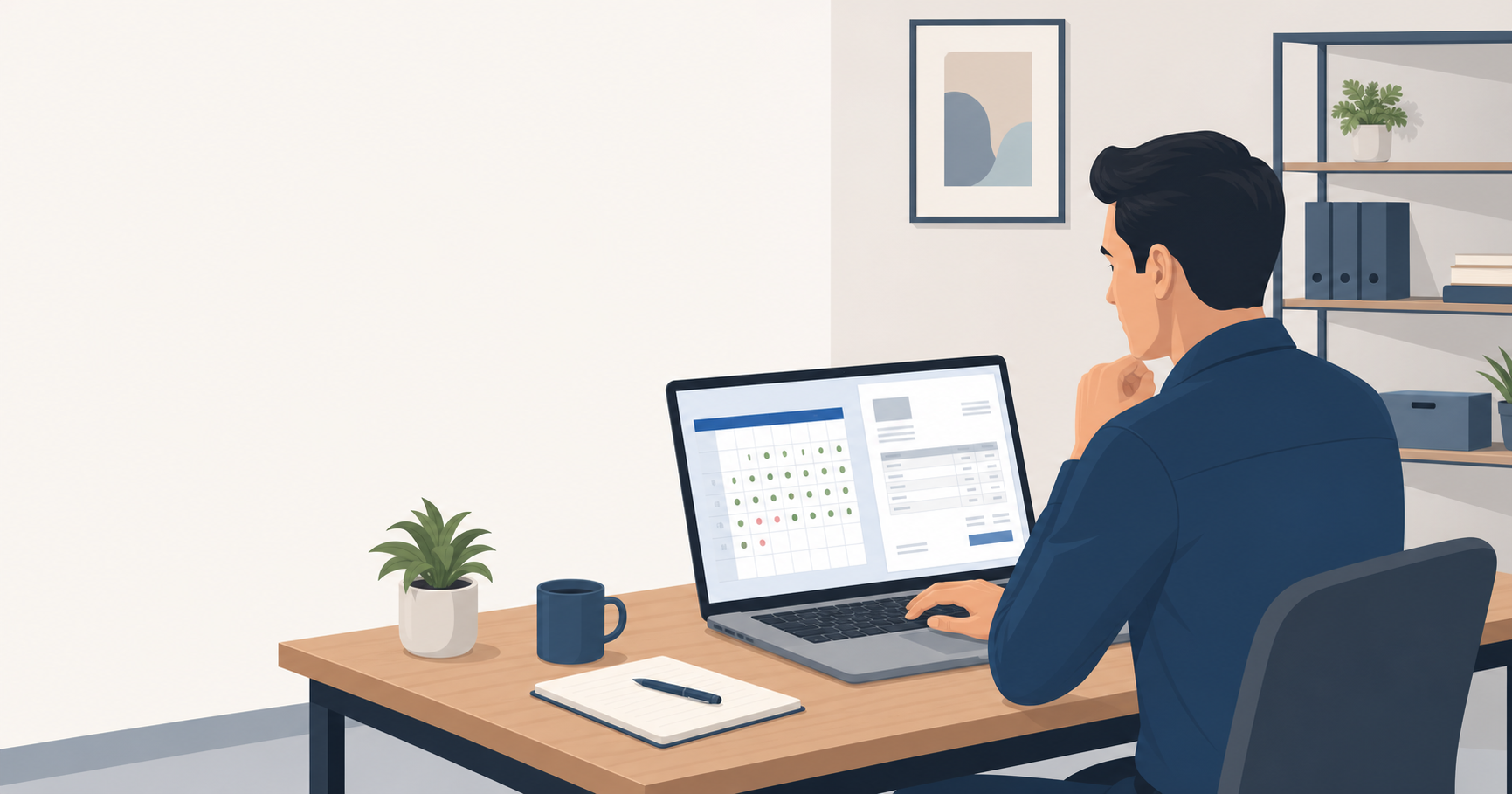
September 2026 was a month for running your day-to-day business with less effort. Attendance now works around real shifts, breaks and month-end totals. Customer and login setup takes one form instead of several. And invoices, purchases and quotations print clearly, save reliably and take services as well as products.
Here is what changed in each part of GetBizApps and how it helps your team.
Attendance and HR
See the whole month's attendance on one screen
Attendance now opens on a monthly register, with one row per employee and one cell per day. Each cell shows whether the person was present, absent, on a half day, on leave, on a holiday or on a weekly off. A day still in progress shows as checked in, and a day with no attendance yet is easy to spot.
- Hover for the details. Clock-in and clock-out, hours worked, break time, lateness, overtime, the shift and its times, leave and holiday names.
- Act from the grid. Click a day to edit or view its record, or add attendance for a working day that is still blank.
- Monthly totals and payable days. See present days, half days, paid and unpaid leave, absences, late arrivals, early departures and overtime. Payable days are shown out of the month's working days, which exclude weekly offs and holidays.
- Daily Log stays available. The day-by-day list is still there next to the monthly register.
Set a daily check-in limit and clock-in windows
Attendance settings now match how your business runs its working day, including breaks and forgotten clock-outs.
- Clock in more than once a day. Choose a limit from 1 to 20 check-ins per day, so employees can clock in again after a break.
- Strict clock-in windows. In strict timing mode, clock-in opens a set number of minutes before the shift starts, and you can switch off clock-in once the shift has ended.
- Forgotten clock-outs close themselves. An open session is closed at the end of the employee's shift. If there is no shift, your fallback clock-out time is used.
Fair late marks after a break
Attendance now treats a day with a break fairly. Late marks follow each employee's first clock-in of the day, so returning from a break is not counted as a second late arrival.
- HR-entered records match clock-ins. When HR adds or edits an attendance record, late arrivals and minutes late are calculated and saved the same way a clock-in would record them.
- One record per employee per day. Two clock-ins on the same day cannot create a second daily record.
Customers and users
Create a customer and their login in one step
Setting up a customer who needs to sign in is now one form. On the Create Customer page, you can add a new login user with their name, email and mobile number, or link an existing user who does not yet have a customer record.
- Turn Enable Login on to set a password. Turn it off and no password is needed for that user, so you can save them straight away.
- Contact fields fill in as you type. The customer's contact person details follow the user's details, and you can still change them.
- Saved together. The user and the customer are saved in one go, so a failed save does not leave a stray user behind.
Create, view and edit customers on full pages
Creating, viewing and editing a customer now opens its own page instead of a pop-up window. The details page shows the complete billing and shipping address, including the addressee name and both address lines. Saving or cancelling returns you to your customer list.
Save real state and region names for customers and vendors abroad
Customers and vendors outside India no longer have to sit under a generic label. When you choose "Other Country" or "Other Territory", you type the actual state or region name, and saved addresses show that name instead.
Import electronic addresses with your customer spreadsheet
Customer spreadsheet imports now include the electronic address details used for e-invoicing, so you do not have to type them in one by one. Column names such as "endpoint id" and "scheme id" are recognised as well. When you update existing customers and include only one of the two columns, the other keeps its current value.
Invoices and sales
Printed and PDF invoices with units and a clearer bill-to block
Your printed and PDF invoices are easier for customers to read.
- Units beside quantities. Quantities show the unit you set for the product, such as hours or pieces, right beside the number.
- More room for descriptions. Item descriptions get more space, so the number columns no longer squeeze them.
- Company name first. The bill-to block shows the customer's company name first, with the contact person below it.
- Services get quantities. On the sales invoice form, services now have a quantity field and show their unit of measure underneath.
Mark invoices as paid, and bill for services on purchases and proposals
Collecting payment and billing for services are quicker now.
- Mark as Paid. A green button appears on sales invoices that are posted or partly paid and still have an amount owing. It opens the customer payment form with the customer, invoice and amount owed already filled in. Only people allowed to record payments see it.
- Product Wise or Service Wise. Purchase invoices and sales proposals can now be for products, which use your warehouse, or for services only, which do not ask for one. A purchase invoice keeps its type when you edit it, and a proposal keeps its type when you turn it into a sales invoice.
- Easier item lists. A long product list can be scrolled in the item picker to reach every item. On a Service Wise quotation, service rows no longer show a stock count, and each service shows its unit of measure under the quantity.
Edited invoices and quotations save reliably
Editing an existing sales invoice, purchase invoice or quotation now saves as you expect. Taxes already on each item are selected again when you open the document, and a saved tax that no longer exists in your settings is left blank instead of blocking the save.
What this means for your business
Attendance now reflects how your team actually works, and HR records match what the clock shows. Setting up customers and their logins is faster, and your customer data is more complete for e-invoicing. Invoices look more professional, edits save reliably, and services can be billed on the same documents as products.
Frequently asked questions
Will late marks still count when someone takes a break? Only the first clock-in of the day is compared with the shift start. A later clock-in after a break does not add another late mark.
Do I need a password for every user I add? No. Turn Enable Login off for users who do not sign in, and no password is required.
Can I bill for services on a purchase invoice? Yes. Choose Service Wise at the top of the form. Service documents pick from your services and do not ask for a warehouse.